
Vehicle tracking that shows its working.
GPStrix puts trucks, buses and field staff on one live map, reads the engine over CAN on trackers that support it, and keeps an inbox of the few things that need a person. Every alert opens the replay at the minute it happened, so a disputed stop is settled from the record rather than over the phone.
Works with trackers across more than 200 protocols. Two Android apps: one for managers, one for staff in the field.
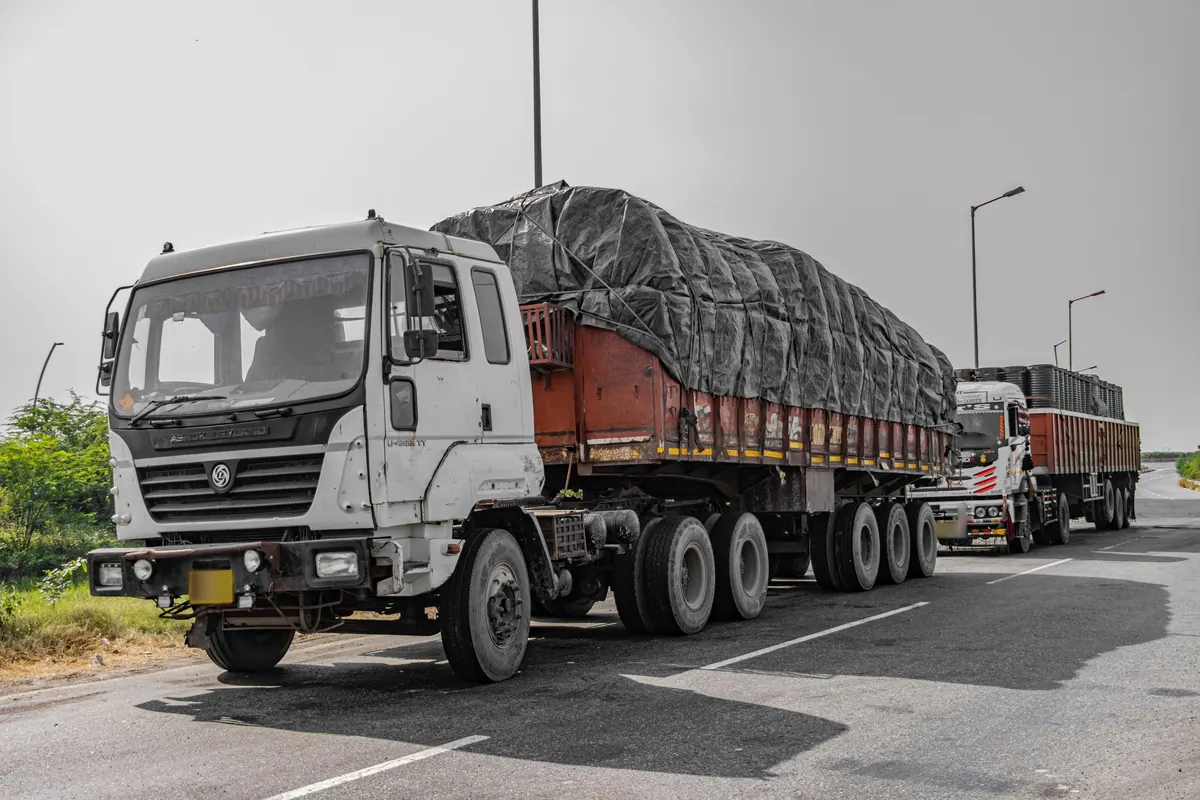
A working day, as the console sees it
Times and vehicles are from the demo account.
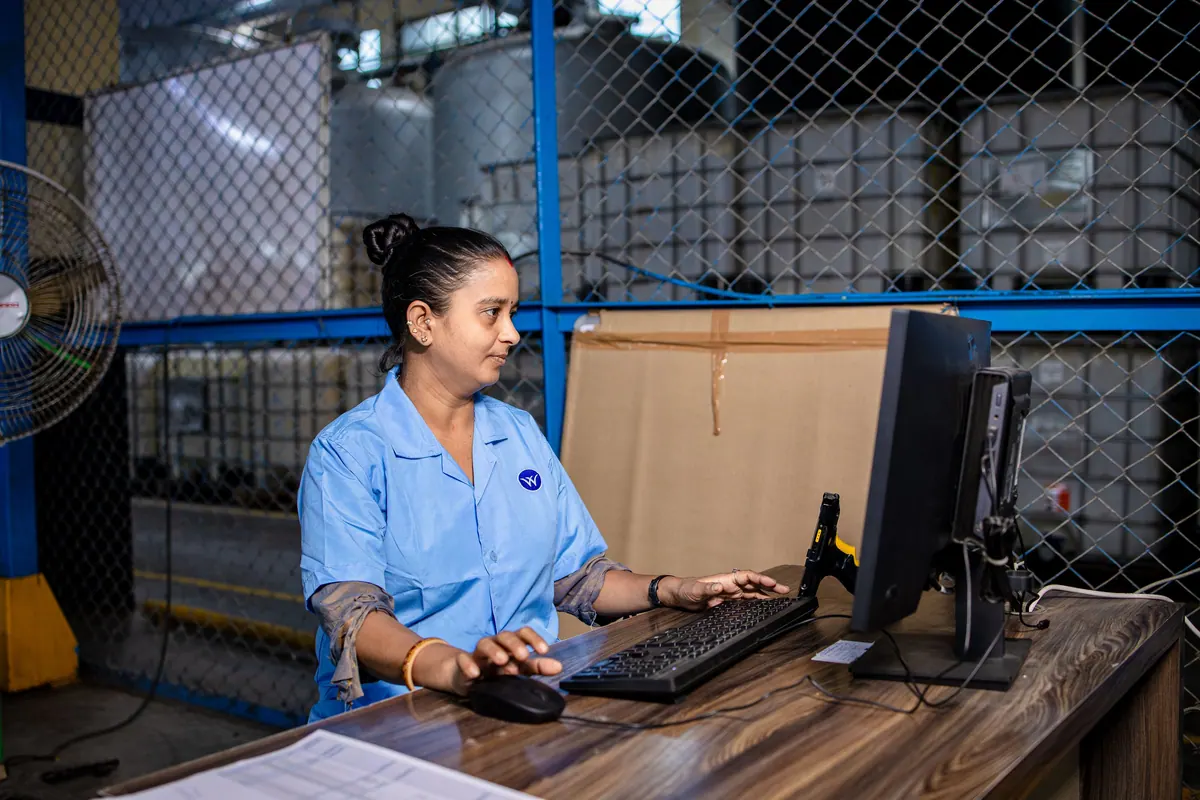
-
04:46
The overnight summary is written
Each vehicle's day is compared with its own baseline, recomputed every night. The result is four or five plain sentences, and every sentence links to the finding it came from.
-
07:10
The dispatcher opens the inbox
An SOS from MH12AB1234 at 21:47 last night sits at the top, marked critical. Below it, a truck that braked harshly 14 times yesterday against a usual 3. The FYI items can wait until after tea.
-
07:12
Replay around 21:47
One click opens that vehicle's track at the minute the alarm fired. Stops take their real share of the timeline, because the stop is usually the reason you opened it.
-
09:00
Field staff punch in
The Field app checks the punch against the site geofence and records which clock decided the time. If the phone has no signal, the punch waits on the phone and is sent once.
-
18:00
The trip report arrives
A scheduled report lands in the inbox of whoever asked for it, as PDF or CSV. Trips, stops, idling and CAN activity are all in the catalogue.
The first screen is the inbox, not the map.
A map with two hundred dots tells a manager very little at seven in the morning. The inbox sorts the night into critical, needs attention and FYI, and says why each item is there.
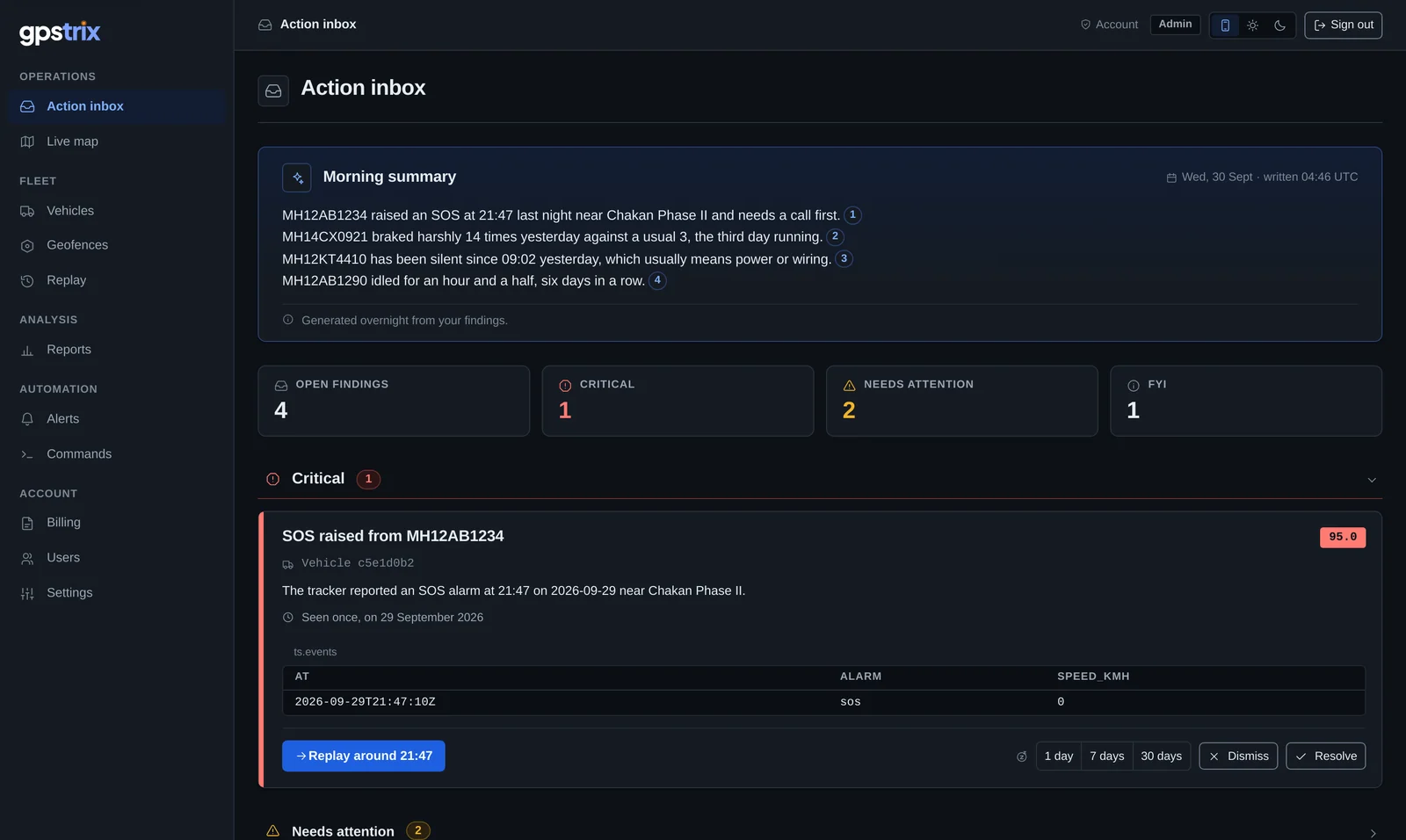
- Morning summary. Written overnight from the findings, in sentences a manager can act on.
- Citations. Each number opens the finding behind its sentence, so nothing is taken on trust.
- Counts by severity. Critical items need a call; FYI items are there if you want them.
- Replay at the minute. The evidence is one click from the alert, not a search through the day.
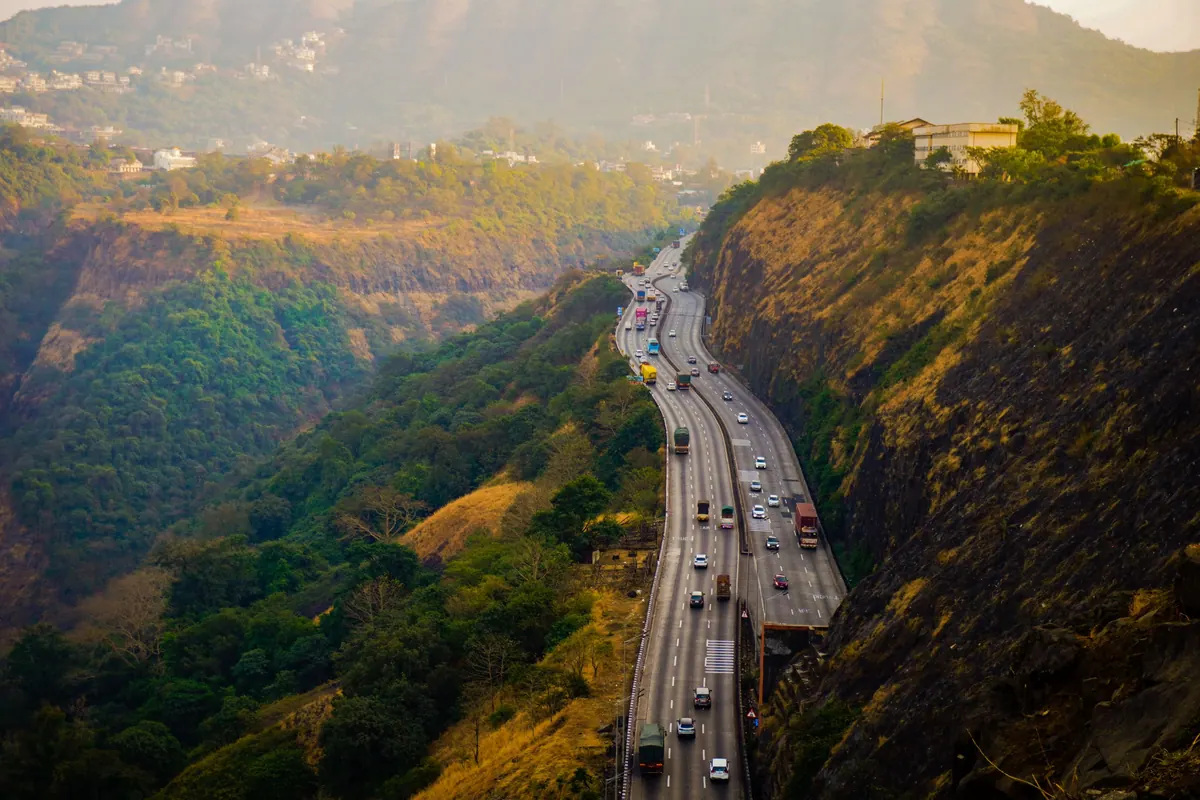
A tracker that has gone quiet should say so. Showing its last position as if it were current is how a truck gets found at a depot it left two hours ago.
On the live map every vehicle carries the age of its last position. A stale tracker is drawn as stale, and the inbox tells you when one has been silent long enough to mean a power cut or loose wiring.
The engine keeps its own record of the day.
CAN-capable trackers read the vehicle's own data bus. GPStrix stores those readings beside the GPS positions, so a report or a rule can ask about the engine as easily as about the location.
- Engine RPM
- Over-revving on a climb, and idling that is really idling, with the engine running.
- Fuel level, in litres
- A drop while parked stands out from a day's normal use.
- CAN connect and disconnect
- Reported on its own. A tracker that loses the bus has often been tampered with.
- On the replay
- Colour the route wherever a signal meets your condition, such as RPM above 2,500.
Which signals arrive depends on the vehicle and the tracker's configuration.
An app for staff who are out all day, and often out of signal.
GPStrix Field has four tabs: attendance, the day's beat, forms and expense claims. Everything is saved on the phone first and sent when the network returns, exactly once, so nothing arrives twice and nothing is lost.
- Attendance punches checked against a geofence, with the clock that decided the time.
- A beat of visits, with check-in and check-out at each stop.
- Forms and expense claims set up by your office, not hard-coded in the app.
- Background tracking during working hours on phones used as trackers, with the user's knowledge.
Managers use GPStrix Fleet: the live map, the inbox, approvals and reports, on their own phone.
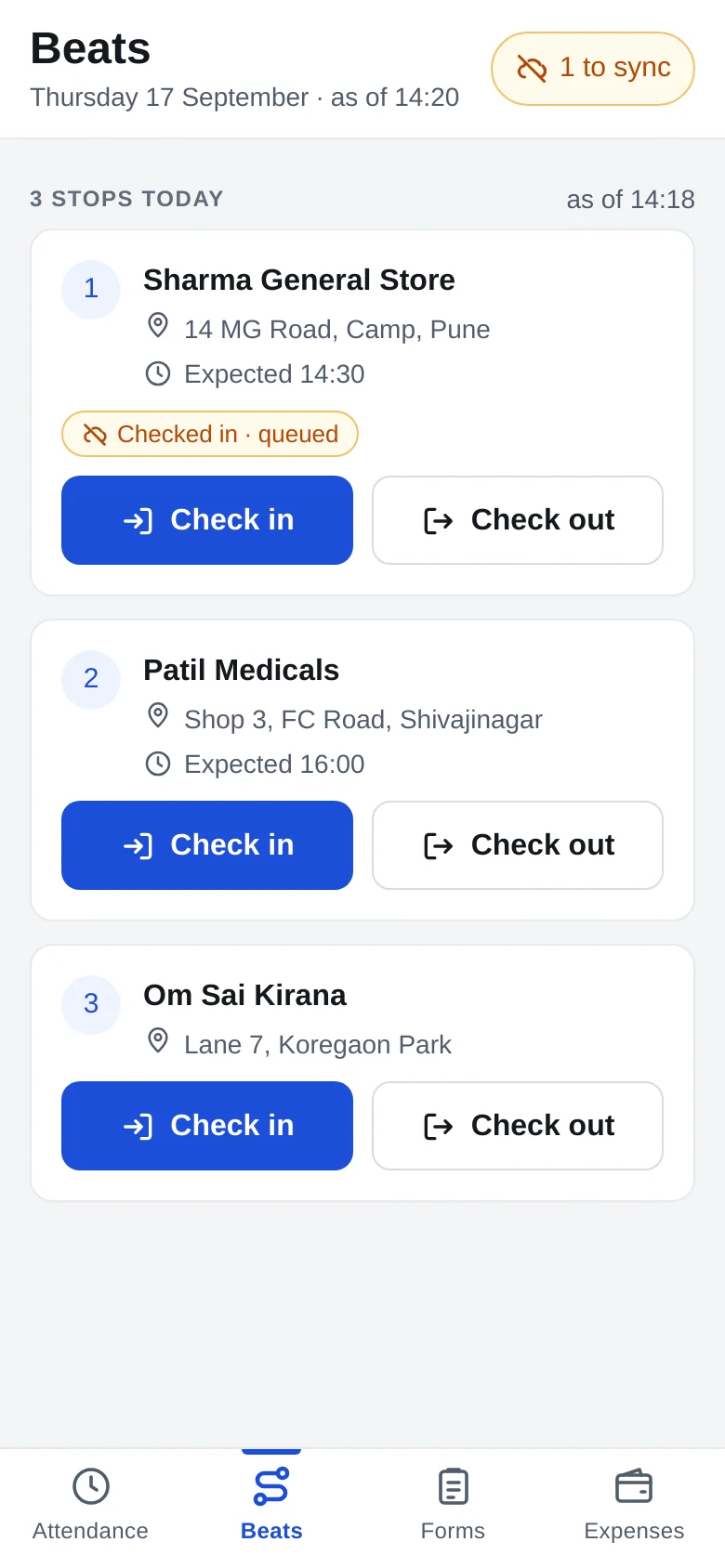
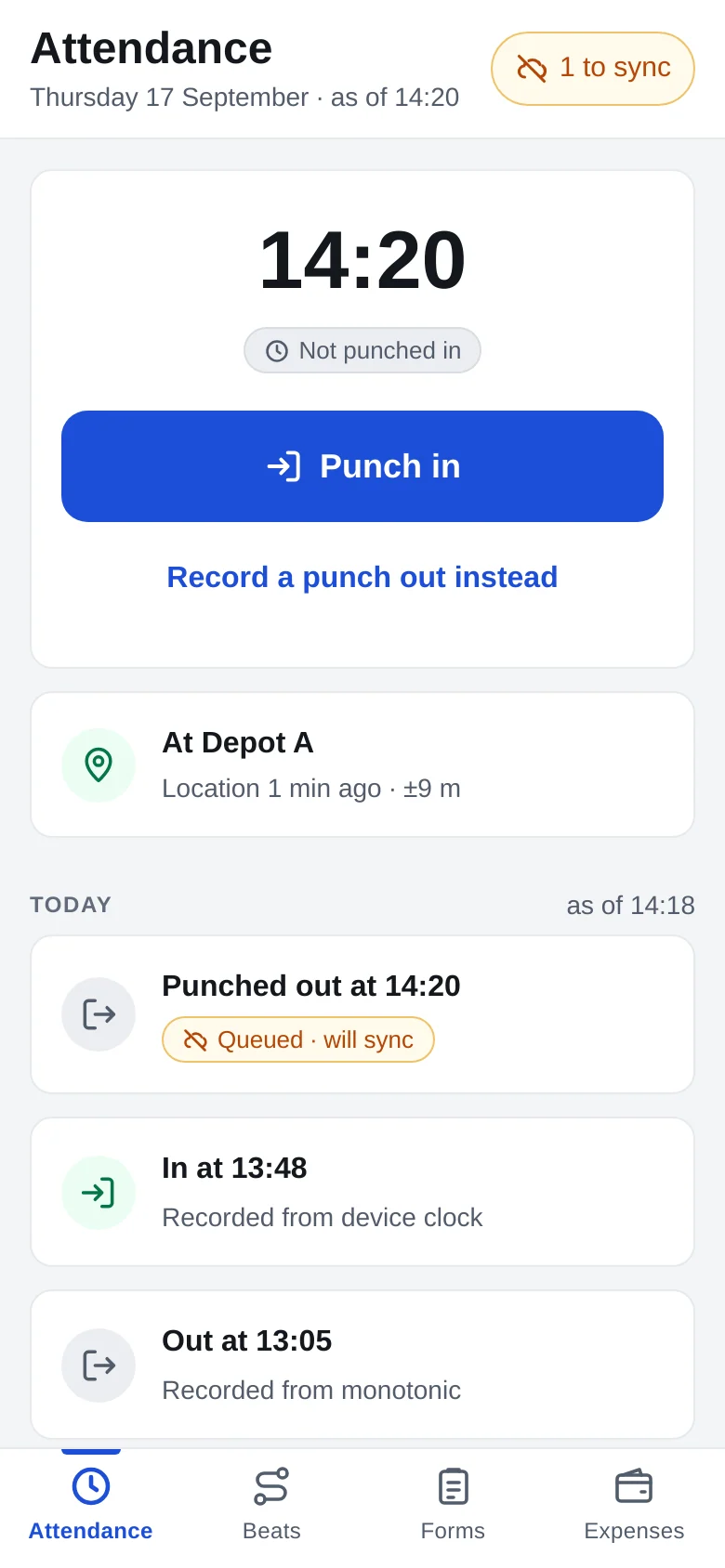
GPStrix Field with demo data: the day's beat, and the attendance tab with a punch-out waiting for signal. Both show what is still to sync.
Six kinds of operation it is built around
The platform is the same everywhere. What changes is which reports, rules and app screens you lean on.
 Logistics and haulageTrips, stops and idling per vehicle; depot and customer geofences; fuel from the CAN bus.Read
 School and staff transportA tracking link parents open without an account; overspeed and SOS alerts that reach a person.Read
 Field sales and serviceAttendance with location, daily beats with visit check-ins, forms and expense claims.Read
 Construction and equipmentEngine running time from RPM, site geofences, and machines that move at night.Read
 Cold chainStop durations and engine-on idling on reefer runs, with alerts for stops that run long.Read
 Vehicle rentalWhere each vehicle is between bookings, and the immobiliser when you need it, with an audit trail.Read
Kept apart by the database
Location history is sensitive. Each customer's data is separated from every other customer's inside the database itself, so a mistake in application code still cannot show one fleet to another. Support access to your account is time-limited, has a stated reason, and is listed for you to see.
Sold under your own name, if you are a reseller
Partners run GPStrix on their own domain, with HTTPS issued automatically, their own logo and colours, a console for their customers, and commission statements line by line against the invoices they come from. Invoices carry GST and are paid through Razorpay.
Questions people ask before a demo
Anything else, ask on the call. It is easier to answer with the product on screen.
Which GPS trackers does GPStrix work with?
The GPStrix tracking gateway understands more than 200 tracker protocols, so most hardware already on the road works. CAN signals such as RPM and fuel in litres come from trackers that read the vehicle's CAN bus; which ones arrive depends on the vehicle and the tracker's configuration.
Do we have to replace the trackers we already have?
Usually not. If your trackers speak a protocol we support, they are pointed at GPStrix by changing the server address. We check your models before the demo.
What happens when a field phone has no signal?
The Field app keeps working. Punches, visits, forms and claims are stored on the phone and sent when it reconnects, once each.
Can parents or customers see a vehicle without an account?
Yes. A tracking link shows one vehicle's live position and an estimated arrival, and stops working when it expires.
Can we get our data out?
Reports download as PDF or CSV, and the REST API and signed webhooks give your own systems the same data the console sees.
Is there an immobiliser?
On trackers that support it, yes. Commands that stop a vehicle ask a second, deliberate question before anything is sent, and every command is recorded against the person who sent it.
How much does it cost?
It depends on the number of vehicles and the modules you need, so we quote after a short conversation. How pricing works.
See it with your own vehicles on the map.
Tell us what you run and which trackers are fitted. We will set up a walkthrough around the questions you actually have, and quote for your fleet size afterwards.
Already a customer? Sign in to the console.